01 Canvas
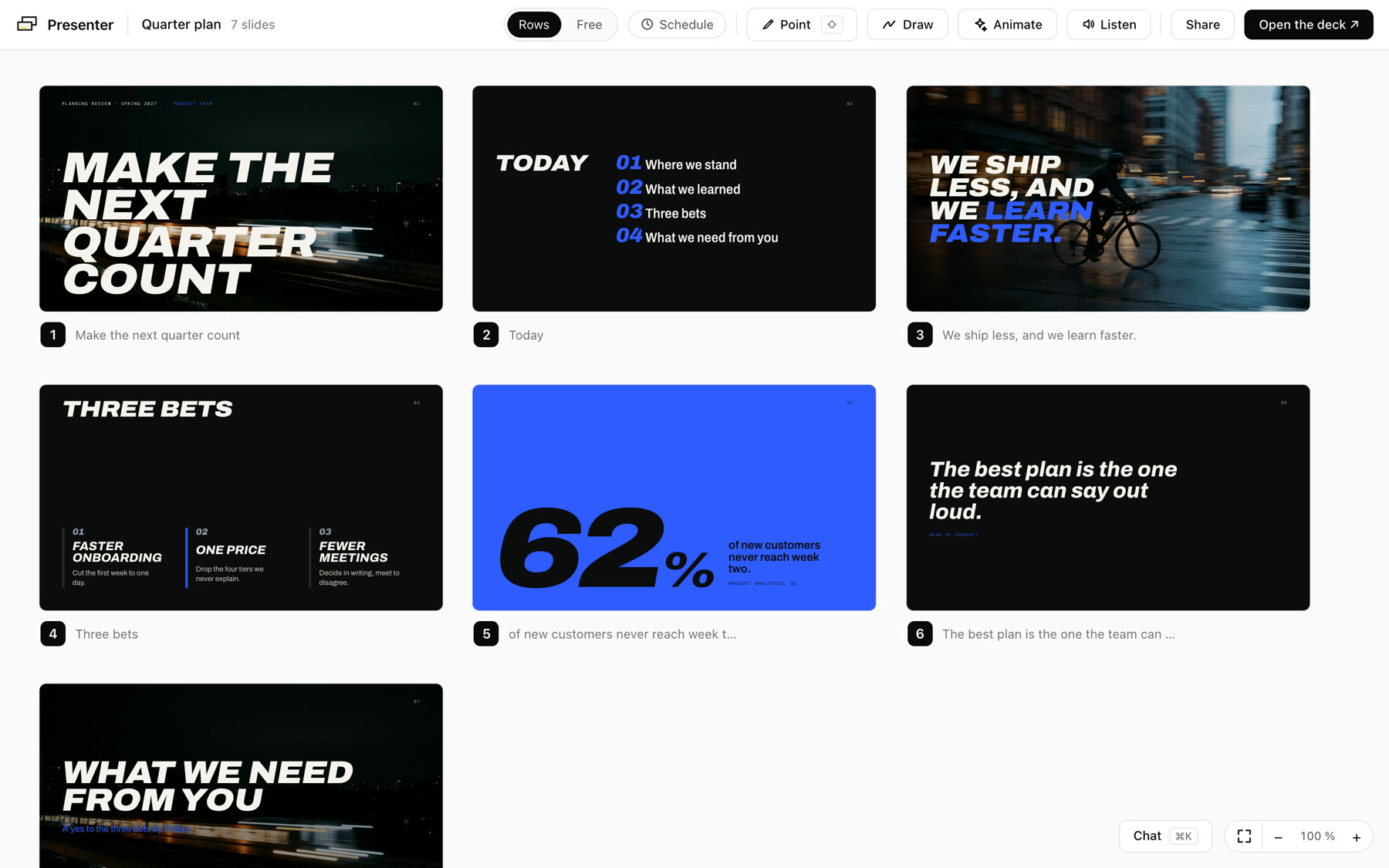
The whole deck at once.
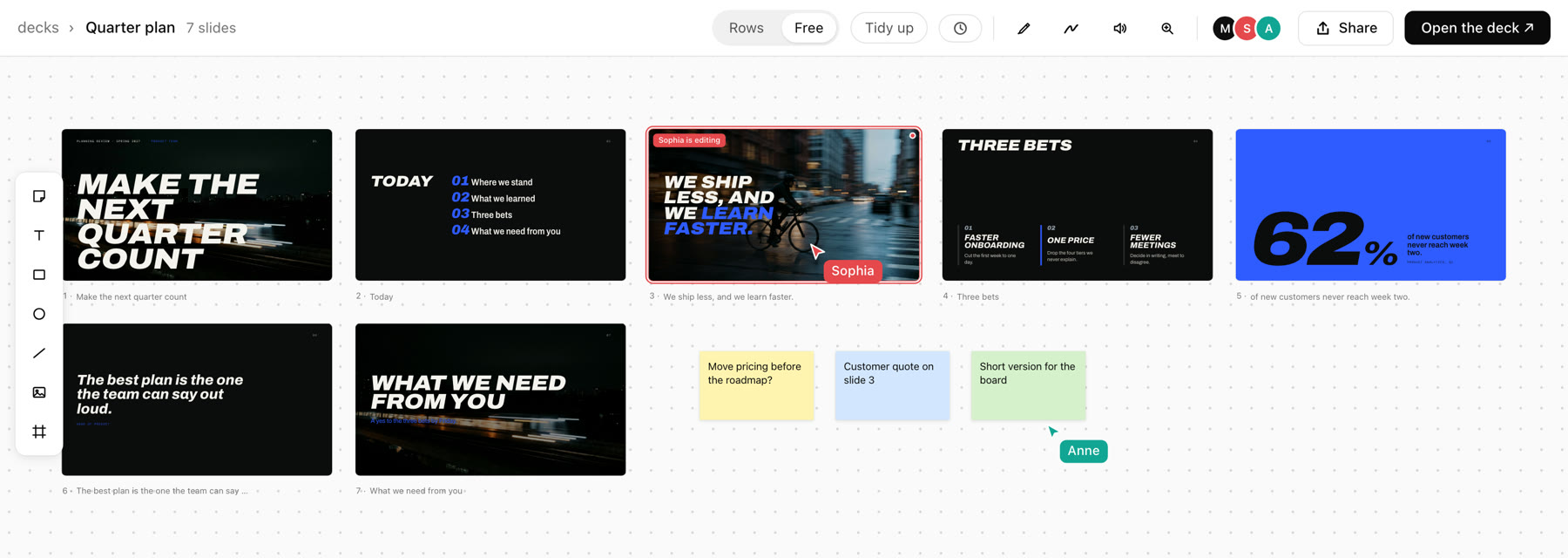
Every slide side by side, live. Drag one to a new place, and the file follows.
 Presenter
It writes them in minutes, as one HTML file you keep. You see every slide on one canvas and point at what should change.
The link is on its way to your inbox.
Presenter runs on Mac and Windows. Open the email on your computer, and you are up and running in a minute.
Your download has started. The link is in your email too.
Prefer a terminal? Run this in the folder with your decks.
npx praesenter ./slidesYou join our newsletter, which is in Danish. Unsubscribe any time.
Free in beta · Mac and Windows
The demo is in Danish. An English version is coming soon.
Works with the AI you already have
An HTML slide is text, so your AI can write it, change it and keep it in your design. Presenter is the place you watch it happen.
01 Canvas
Every slide side by side, live. Drag one to a new place, and the file follows.
02 Point
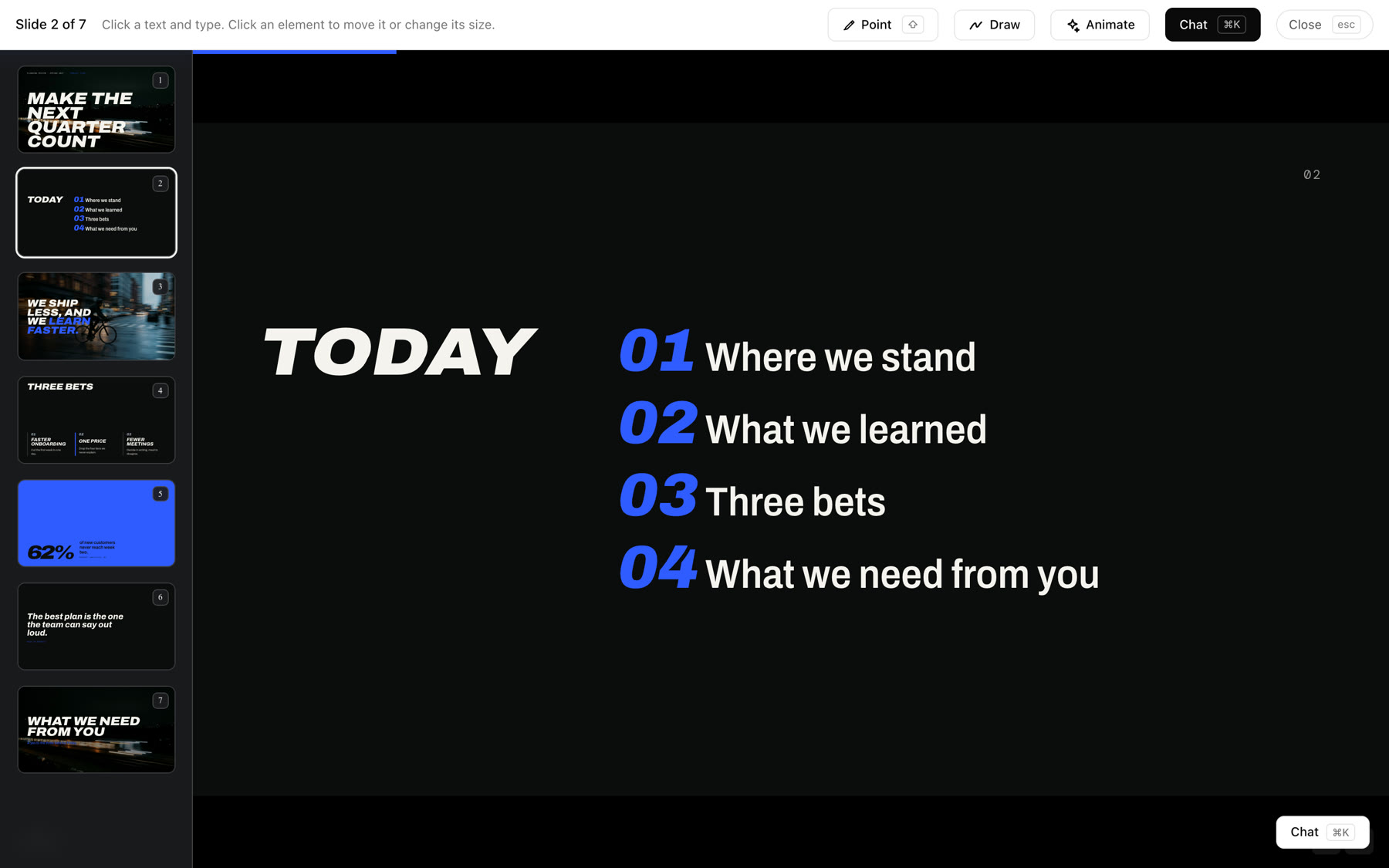
Hold Shift and draw around it. Your AI gets exactly that part.
03 Chat
Change the deck
Add a slide after 4 with the three numbers from the report.
Undo
A new slide, a shorter heading or a whole deck. The file changes while you watch.
04 Design guide
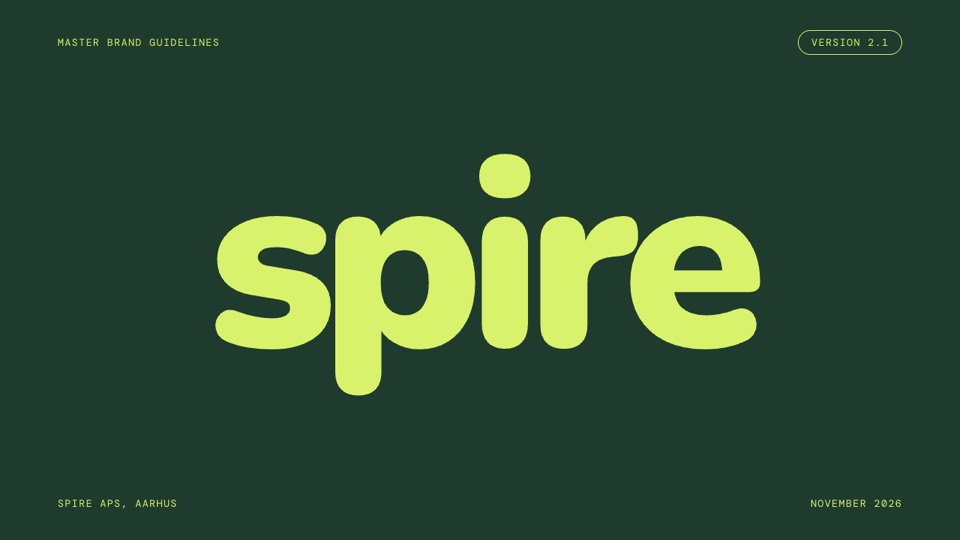


Drop in a PowerPoint template or a brand PDF. Every new deck starts from it.
Share, pick Edit and send the link. The others are in within moments, even without the app. You see each other, and it all lands in your file.
The canvas from Miro, the slides from PowerPoint, the share link from Google Slides and the presenting from Keynote, in one app where your AI writes along.
Twelve finished decks. Open one, write your topic, and your AI fills it in.
See the templatesThe Mac app is signed and notarised, and the app has no analytics. See what leaves the machine.
Nothing while Presenter is in beta. It may get paid plans later, and you will hear about it before anything changes.
No. If you have Claude Pro or Max, choose Claude under Choose your AI and press Sign in with Claude. Presenter then uses your own subscription. An API key is only an alternative.
Claude, ChatGPT, GitHub Copilot, Cursor and Gemini. Gemini works with a free key from Google AI Studio, so you can start without paying for anything.
Yes. Your admin installs a small Presenter agent in your organisation's Copilot, and then Copilot can write slides in a deck you share. The package and a guide for the admin are on trypresenter.com/en/copilot.
Yes. Drag your PowerPoint or PDF template into Design guide, and new decks use your colours and layout. Fonts installed on your computer come along by themselves.
Yes. Use the small upload button next to Write deck, or drag the file in. You choose whether to keep the file's own design or use your design guide.
Your decks are plain HTML files in a folder on your computer. Only what you ask your AI about goes to the AI you chose. A share link or a live room goes through us, and the privacy policy says how.
Yes. Press Share and choose Edit, and send the link. The others come in through the browser without installing anything, you see each other on the canvas, and every change lands in your file.
Yes, in beta. Presenter runs on Mac and Windows, and in the browser with npx praesenter.
 Miro
 PowerPoint
 Google Slides
 Keynote